
PESCO Bill Check Online in Pakistan 2026
In many parts of Khyber Pakhtunkhwa, the paper electricity bill still travels a long way before it reaches your door. In busy Peshawar streets it may get handed to the wrong house, and in the valleys of Swat or the villages around Mardan it can arrive just days before the due date. A PESCO bill check online solves this problem. With one number from an old bill, you can see your full bill on your phone in seconds, at no cost.
For a PESCO bill check online, copy the 14 digit reference number from the top of any old PESCO bill. Enter it in the PESCO bill checker on this page, or on the official PITC portal at bill.pitc.com.pk with PESCO selected, and press the check button. Your bill amount, due date, units used and full bill copy will appear. Save it as a PDF, print it, or pay it through your bank app, JazzCash or Easypaisa.
PESCO Bill Check
Enter your Reference or Consumer Number
PESCO, HAZECO or TESCO: Find Your Company First
Khyber Pakhtunkhwa is served by three government owned power companies, and picking the wrong one is the most common reason a bill search fails. Before your PESCO bill check online, look at the company name printed at the top of your bill, or use this table as a guide.
Company | Full Name | Main Areas |
PESCO | Peshawar Electric Supply Company | Most civil districts of Khyber Pakhtunkhwa, including Peshawar, Mardan, Swat, Swabi, Charsadda, Nowshera, Kohat, Bannu and Dera Ismail Khan |
HAZECO | Hazara Electric Supply Company | Hazara Division, including Abbottabad, Mansehra and Haripur |
TESCO | Tribal Electric Supply Company | The merged tribal districts of Khyber Pakhtunkhwa |
Hazara used to be part of PESCO, but it now has its own company, HAZECO. If your bill says HAZECO or TESCO, use the checker for that company instead. If it says PESCO, you are in the right place.
What Is PESCO?
PESCO was formed in 1998, when the old WAPDA power wing was split into separate distribution companies. Its head office is at WAPDA House in Peshawar. According to its official website, PESCO serves more than 3.8 million consumers and divides its area into nine operation circles. Over the past few years, it has also opened new circles closer to customers, such as the separate Dera Ismail Khan circle launched in 2023.
Detail | Information |
Full Name | Peshawar Electric Supply Company (PESCO) |
Formed | 1998, from the former Area Electricity Board Peshawar under WAPDA |
Head Office | WAPDA House, Peshawar |
Consumers | More than 3.8 million, according to the official PESCO website |
Operation Circles | Nine, including Peshawar, Mardan, Swat, Swabi and Dera Ismail Khan |
Regulator | National Electric Power Regulatory Authority (NEPRA) |
Billing System | The PESCO online billing system runs on the platform of the Power Information Technology Company (PITC) |
Official Website | pesco.com.pk |
How to Do a PESCO Bill Check Online
The PESCO bill checker at the top of this page works on any phone or computer. It is free, and you do not need an account.
- Find the 14 digit reference number in the top part of any old PESCO bill.
- Type the number into the PESCO bill checker. Use digits only, with no spaces or dashes.
- Press the check button and wait a few seconds.
- Your PESCO online bill opens in the same layout as the paper copy, ready to read, save or print.
The bill is shown exactly as it appears in the official PITC record that PESCO uses. We do not change any number, so the amount after your PESCO bill check online is the same amount PESCO has billed.
What You Will See
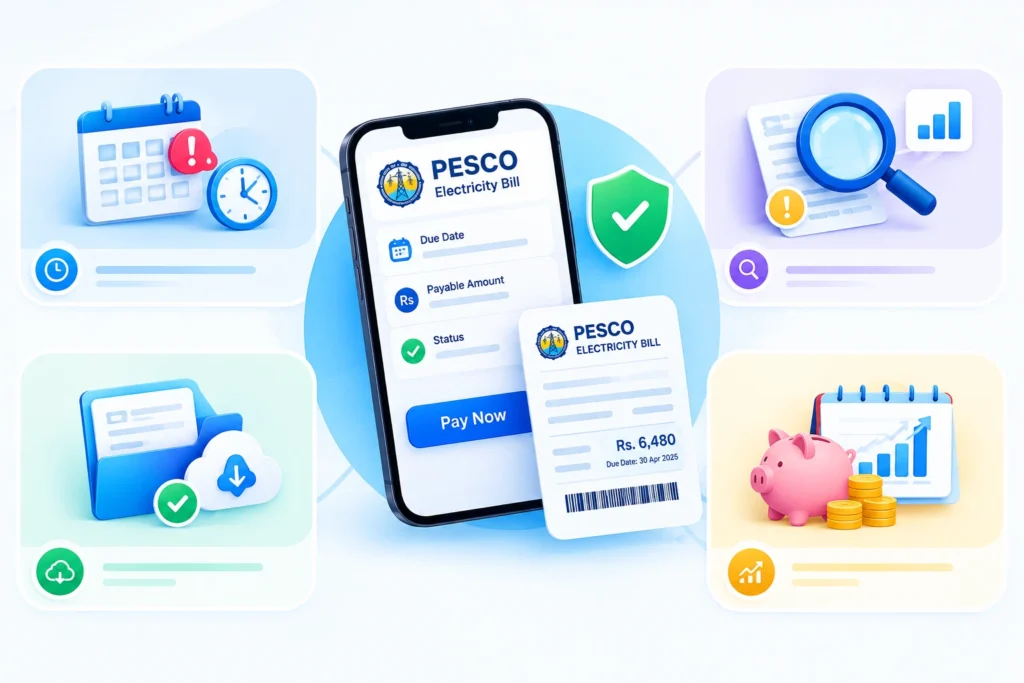
The bill screen makes a PESCO current bill check easy. You can see the payable amount, the PESCO bill due date, the PESCO electricity units consumed, your tariff, any arrears, and your 12 month history. A quick PESCO bill amount check and a comparison with last year can be done on the same screen, which makes every PESCO bill inquiry fast and simple.
Why Check Your PESCO Bill Online?
Before online bill checking became common, people had to visit their nearest PESCO office or a local bill collection center just to confirm their bill amount or get a duplicate copy. That process took time and often meant standing in a queue. Checking your bill online solves several everyday problems at once:
- You can see your current bill amount and due date instantly, even late at night or on a holiday.
- You can download or print a duplicate bill copy if you’ve lost the original.
- You can confirm whether a previous bill was paid before it becomes overdue.
- You can verify your bill details are correct, which helps catch errors in meter readings or billing amounts early.
For most households, this simply means less stress and fewer surprises at the end of the month.
Finding the Numbers on Your PESCO Bill
PESCO Bill Check by Reference Number
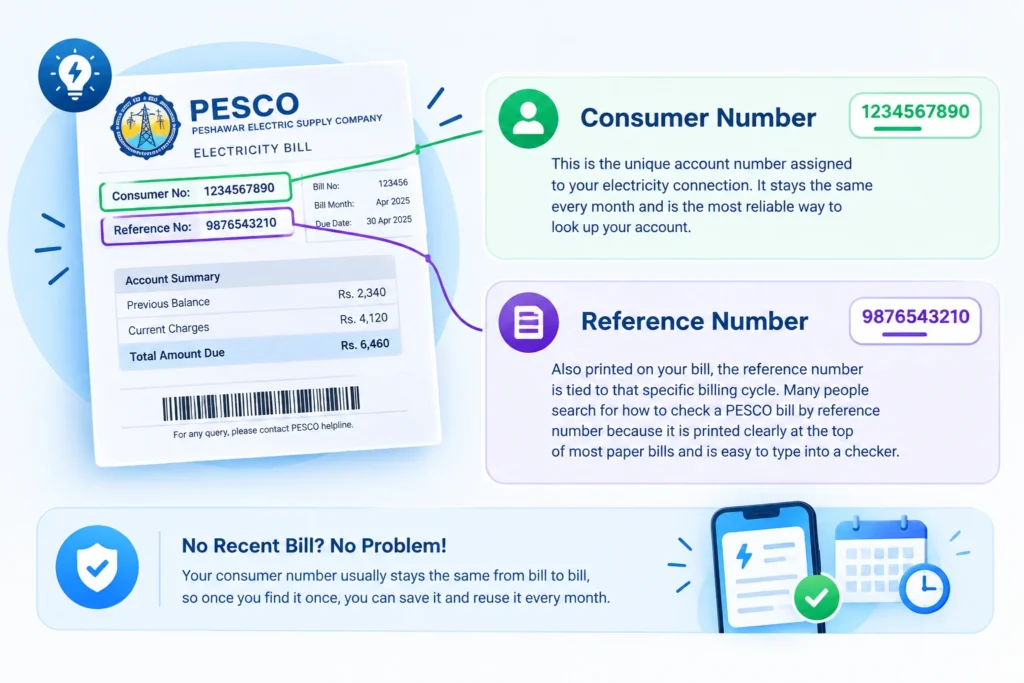
The PESCO bill reference number is the 14 digit number printed near the top of your bill. A PESCO bill check by reference number works on every platform, including this page, the PITC portal, and bank and wallet apps. That makes it the most dependable way to do a PESCO bill check online.
This number has a simple structure. The first two digits show your billing batch, which sets your meter reading day. The next five digits stand for your subdivision office, and the last seven belong to your own connection. You may hear it called the PESCO meter reference number, but you will find it on the bill rather than on the meter.
PESCO Bill Check by Consumer ID
Your bill also carries a consumer ID, a shorter number linked to your connection. Some tools allow a PESCO bill check by consumer ID, which helps if that is the only number you have written down. If a PESCO consumer ID check does not show your bill, use the reference number instead.
When Every Old Bill Is Gone
In joint family homes, bills are often kept by one elder, and in rented houses the landlord may hold them. Ask family members or your landlord for a photo of any old bill. You can also look in your bank app, JazzCash or Easypaisa payment history, where the reference number is usually saved after a payment. If none of these work, call 118 or visit your PESCO subdivision office with your CNIC and address. The staff will find your number for free.
PESCO Duplicate Bill: Download, Copy and Print
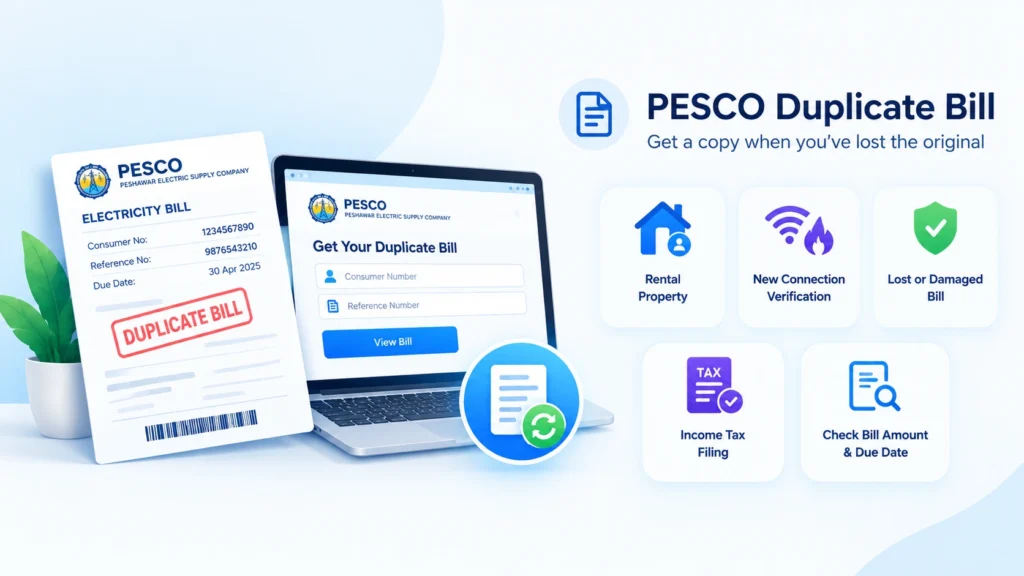
Once your PESCO bill check online is done, keeping a copy is easy. A PESCO duplicate bill has the same reference number, amount, due date and barcode as the original, so banks and payment counters accept it without question.
Saving a PESCO Electricity Bill Download PDF
On an Android phone, open the browser menu after the bill appears, choose Print or Share, and select Save as PDF. On an iPhone, tap Share, choose Print, then save the file to Files. On a computer, press Ctrl and P on Windows or Command and P on a Mac, then pick Save as PDF. Your PESCO bill download is now a neat PESCO online bill copy you can share on WhatsApp or keep for your records.
Getting a PESCO Bill Print
Choose your printer in the same print window for a paper copy. If you do not own a printer, many shops in Peshawar, Mardan and other towns offer a PESCO bill printing service. Give them your saved PDF to print, and ask them to delete it afterward, so your reference number stays private. Your PESCO bill print will look the same as the bill delivered to your home.
Why Keep a PESCO Duplicate Bill Download
People often need a recent PESCO electricity bill for bank accounts, school and college admissions, rent agreements, new connections, load changes and solar applications. Many overseas families also send bill copies to relatives abroad who help with payments. Having a PESCO duplicate bill download saved on your phone makes all of this easier.
Reading Your PESCO Electricity Bill: Five Numbers to Look at First
After your PESCO bill check online, start with the basics. A PESCO bill is full of boxes, but these five numbers tell you almost everything you need to know.
- Units consumed: the electricity your home used this month, found by subtracting the previous reading from the present reading.
- Payable within due date: the amount you pay if you pay on time.
- Due date: the last day to pay without a surcharge.
- Arrears: any unpaid amount from earlier months, which should be zero if you paid on time.
- Bill history: your units and payments over the last 12 months, which shows whether this month is normal.
Once these five look right, you can look at the detailed PESCO electricity charges below.
Charge | Simple Meaning |
Cost of Electricity | The price of the units you used, based on your slab |
Fixed Charges | A monthly charge based on your usage category, under the 2026 structure |
FPA | Fuel Price Adjustment, which changes with fuel costs and is set by NEPRA |
QTA | Quarterly Tariff Adjustment from regular tariff reviews |
FC Surcharge | A surcharge used to repay power sector debt |
Electricity Duty | A provincial duty on electricity use |
GST | General sales tax |
Income Tax | Applies in some cases, such as commercial connections or larger bills |
Payable After Due Date | The higher amount that includes the late payment surcharge |
PESCO Electricity Charges in 2026
PESCO does not decide its own rates. NEPRA and the federal government set prices that apply the same way across government owned distribution companies.
The 200 Unit Limit
Homes that use 200 units or less each month are counted as protected customers and pay much lower rates. Your category depends on your usage over the past six months. Crossing 200 units in just one month can move you to higher rates for months afterward. In Peshawar and the southern districts, summer cooling pushes many homes over this line. In Swat, Malakand and other cold areas, electric heaters can do the same thing in winter.
Fixed Charges
In February 2026, NEPRA approved fixed monthly charges for domestic consumers, including protected users. Under the reported structure, protected users pay Rs200 for up to 100 units and Rs300 for up to 200 units, while other homes pay amounts that rise with usage up to Rs675. Lifeline consumers remain exempt.
Monthly Adjustments
The FPA and QTA lines can change your PESCO monthly bill even when your units stay the same. When the total looks odd but your units look normal, check these lines first. A monthly PESCO bill check online makes these changes easy to spot.
Good to Know: Per unit rates change after NEPRA decisions and government notifications. For the exact current rates, check the tariff section on the NEPRA website or the rates printed on your own PESCO bill.
How Bill Payments Affect Load Shedding on Your Feeder
This is something many PESCO customers do not realize. In parts of Khyber Pakhtunkhwa, load shedding is managed feeder by feeder. A feeder is the power line that supplies your neighborhood. When a feeder has very high losses from electricity theft and unpaid bills, it can face longer power cuts, even for families who pay their bills on time.
In July 2025, Dawn reported that PESCO linked the extra load shedding in some areas of Peshawar to high losses on certain feeders, with losses above 80 percent in some cases. The good news is that this can change. In April 2026, PESCO announced that seven more feeders, including feeders in Peshawar, Mardan, Swat and Swabi circles, had been declared load shedding free after losses came down.
What does this mean for you? Paying your own bill on time, and encouraging neighbors to do the same, helps your whole feeder. A regular PESCO bill check online makes it easy to pay before the due date every month, and fewer unpaid bills can mean fewer hours without power for everyone on your street.
PESCO Electricity Bill Verification
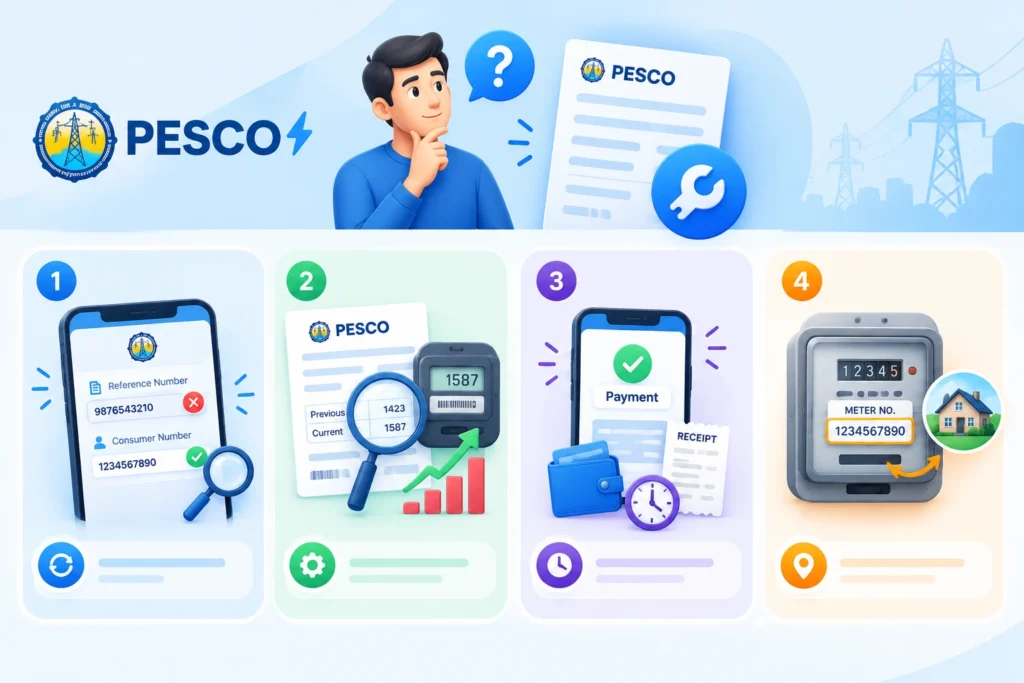
A few minutes of checking each month can stop you from paying for mistakes. After your PESCO bill check online, do this PESCO electricity bill verification:
- Your name, address and tariff match your connection.
- The present reading on the bill is close to the number on your meter.
- Your units are similar to the same month last year.
- Any arrears shown have not already been paid.
- There is no estimated reading unless your meter is actually faulty.
If anything looks wrong, take a clear, dated photo of your meter and keep all your payment receipts together.
PESCO Bill Correction
PESCO bill correction is much easier when you act early and carry proof. An early PESCO bill check online gives you time before the due date.
Register a Complaint on 118
The national 118 helpline handles complaints for all government owned distribution companies, including PESCO. According to the Ministry of Energy, you can lodge complaints in seven languages, including Pashto and Urdu, track their progress, and complaints not solved in time move up to senior officers automatically. You can also send a complaint by SMS to 8118. Note down your complaint number.
Visit Your Subdivision Office
For billing problems, visit the revenue section or customer services desk at your subdivision office. Bring your bill, CNIC, dated meter photos and all payment receipts. Ask for a corrected bill or a written reply.
Take It Further if Needed
If the problem is not solved in a reasonable time, you can complain to NEPRA through its official website, or use the Pakistan Citizen Portal. Include your PESCO complaint number and proof.
PESCO Online Bill Payment
After your PESCO bill check online, PESCO online bill payment takes a minute. Every method below needs only your reference number.
PESCO Bill Payment Methods | How It Works | Helpful Tip |
Bank Mobile App | Choose bill payments, then electricity, then PESCO, and enter your reference number | Save PESCO as a payee for faster payment next month |
JazzCash | Use the bill payment menu, choose electricity and PESCO | Screenshot the transaction ID |
Easypaisa | Use the bills menu, choose electricity and PESCO | Check the amount before confirming |
Internet Banking | Use the utility bill option on your bank website | Easy to view the full bill on a large screen |
Bank Branch or Post Office | Pay in cash with your paper or printed duplicate bill | Avoid the last day, when lines are longest |
Your online bill may take a few days to show a payment. If it still does not show after about a week, take your receipt to your subdivision office.
PESCO Customer Services and Contacts
PESCO customer services can be reached through these channels.
Service | Details |
Complaint Helpline | 118, available around the clock in seven languages, including Pashto |
SMS Complaints | Send your complaint to 8118 |
Online Bill | bill.pitc.com.pk or the PESCO bill checker on this page |
Official Website | pesco.com.pk |
Head Office | WAPDA House, Peshawar |
Local Help | Your subdivision office, printed on your bill |
Final Thoughts
A PESCO bill check online puts your bill in your hand whenever you need it, no matter how far the paper copy has to travel. It helps you pay on time, keep a duplicate copy ready, spot wrong readings and repeated arrears, and even play a small part in reducing load shedding on your feeder. Save your reference number in your phone and use the PESCO bill checker at the top of this page every month.